AI links open with a title + excerpt (these tools can't fetch the page themselves) — use "Copy full article" to paste the complete text for a fuller summary.
Open visual studio 2015: New Project >select windows application 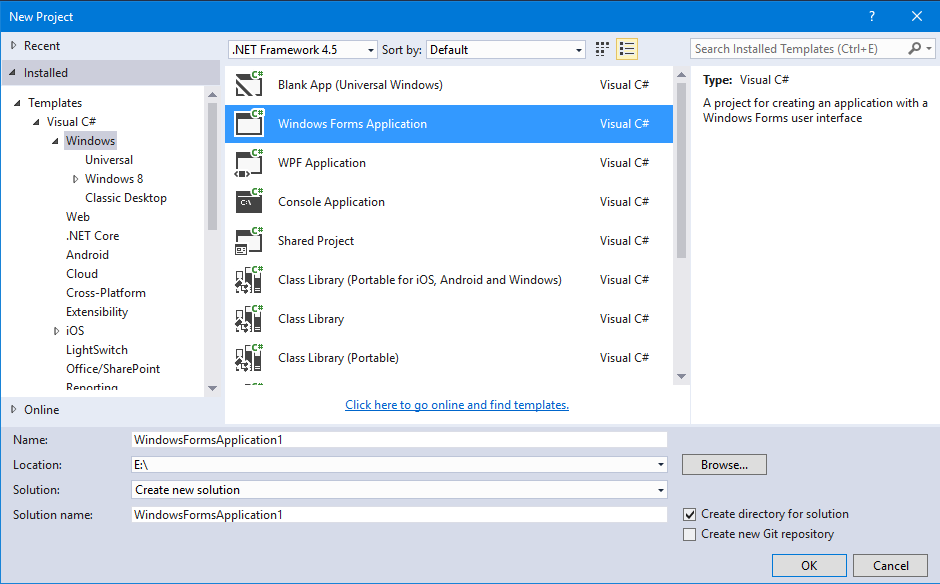 After create new project Form1 will be shown like below pic.
 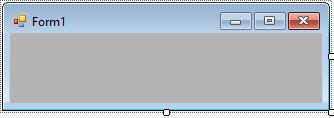 Select above the form and click F4.Property window should be appearing.
 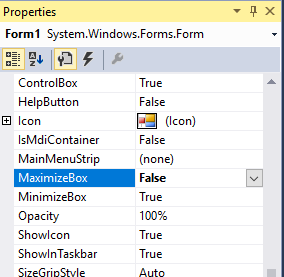 Now form’s Maximize Button goes to disable in the design mode.
 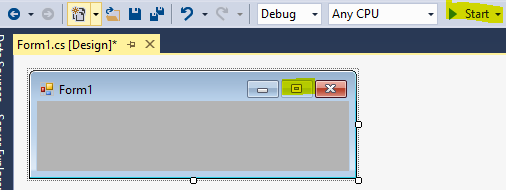 After run the application, double click isn’t work. because maximize button go to disable. If you stop maximizing in run time, use the below line in your event. (E.x) I am using in button click even.
private void button1_Click(object sender, EventArgs e) { this.MaximizeBox = false; }
After run the application begin maximize button is work, if you click the button it should be disabled Output: Before Click Event 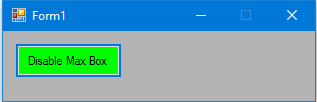 After Click Event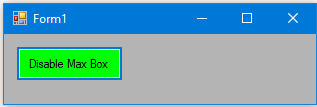
Comments
Be the first to comment.