Building a Smarter Inventory: Inside Our Inventory Management System
AI links open with a title + excerpt (these tools can't fetch the page themselves) — use "Copy full article" to paste the complete text for a fuller summary.
Building a Smarter Inventory: Inside Our Inventory Management System
Keeping stock levels accurate, spotting reorder points before they become stockouts, and knowing exactly where your money is tied up in inventory — these are the problems every operations team eventually runs into. We built a compact Inventory Management System to solve exactly that, and it's now live as an interactive demo on our site.
Live demo: techkolors.com/demo/inventory-management
The Problem We Set Out to Solve
Most small-to-mid-sized teams either track inventory in spreadsheets (error-prone, no audit trail) or pay for bloated enterprise software they only use 10% of. We wanted something in between: a focused system covering the four things that actually matter —
- What do we have? (products, categories, current stock)
- Who do we buy it from? (suppliers, lead times)
- What's moving? (every stock change, logged immutably)
- When do we need to reorder? (automatic low-stock alerts)
Core Data Model
The system is built around four entities that map directly onto how a warehouse actually thinks about stock:
| Entity | Key Fields | Purpose |
|---|---|---|
| Products | SKU, name, category, cost price, selling price, current stock, reorder level | The master record for every tracked item |
| Categories | Name, description | Groupings for filtering and reporting |
| Suppliers | Name, email, phone, lead time (days) | Vendor details for replenishment planning |
| Stock Transactions | Product, type (IN / OUT / ADJUST), quantity, reference no., notes, timestamp | An immutable log of every single stock movement |
That last table is the important one — every unit that enters or leaves the warehouse creates a transaction row. Nothing overwrites current stock directly; it's always derived from the transaction log, which means you get a full audit trail for free.
A Tour of the System
Dashboard Overview
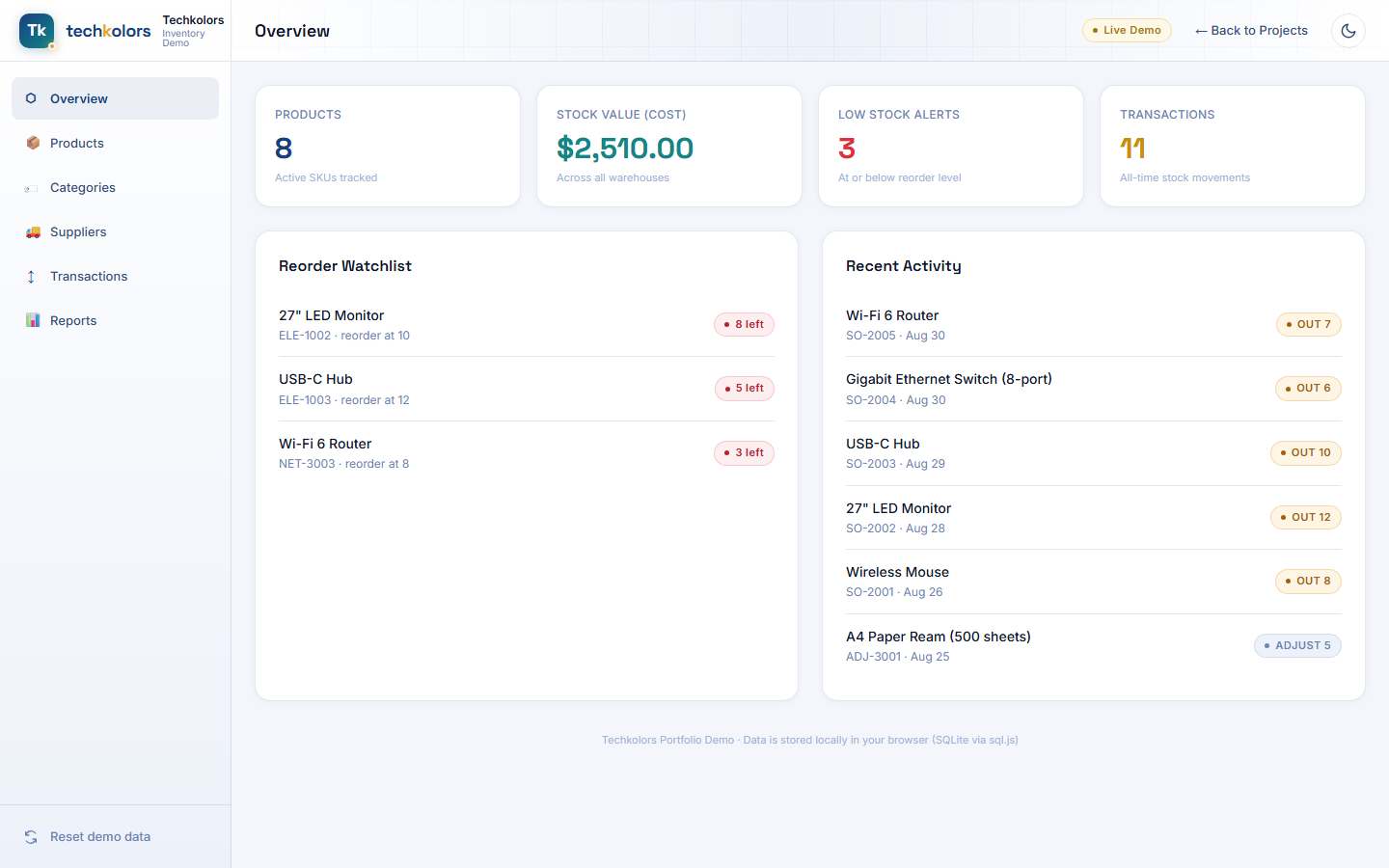
The moment you land in the app, you get the numbers that matter: total SKUs tracked, total stock value at cost, how many products are sitting at or below their reorder level, and a rolling count of stock movements — plus a live reorder watchlist and a recent-activity feed so you never have to go digging for what changed.
Product Catalog
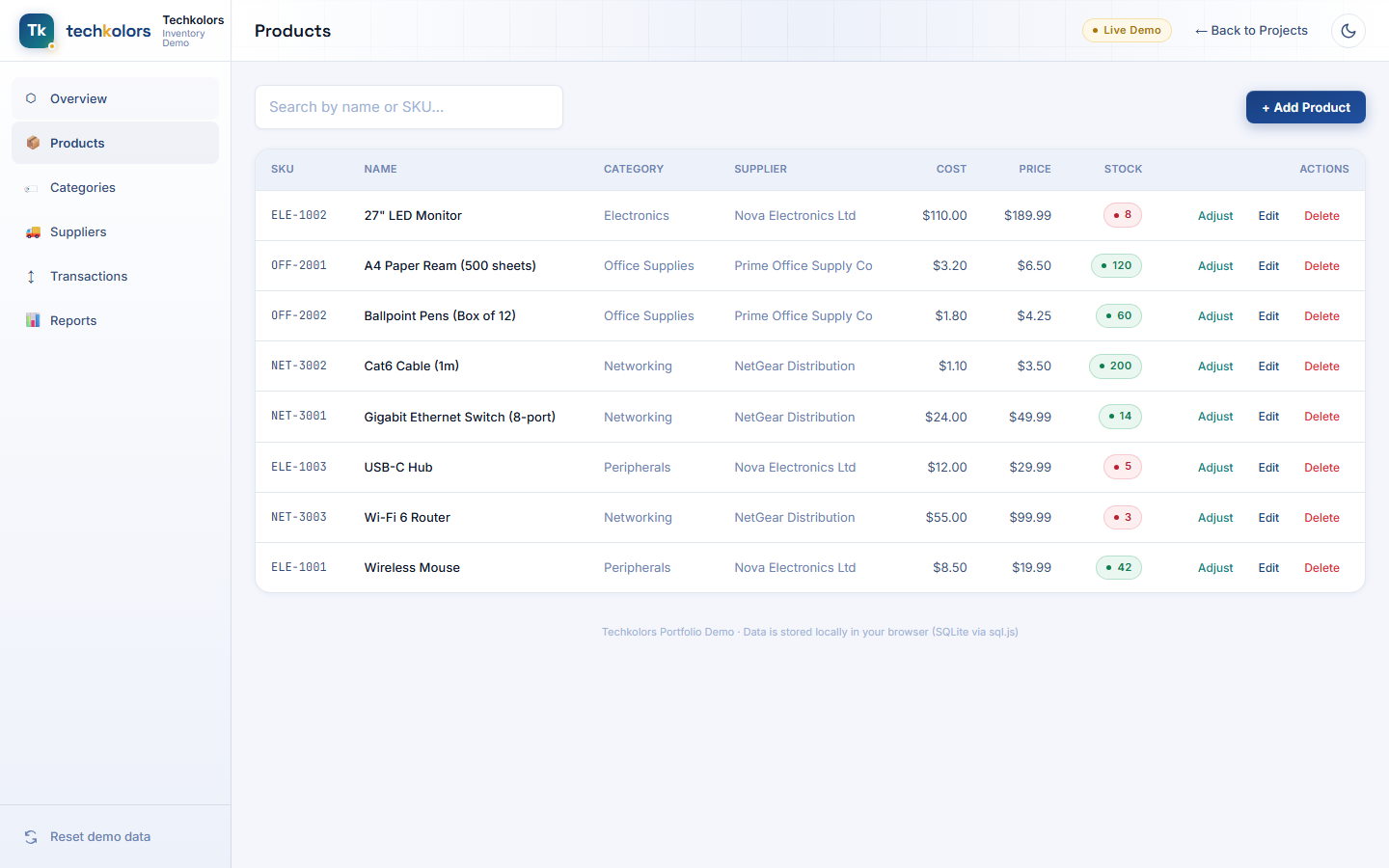
Every SKU lives here — searchable by name or code, with category and supplier attached, cost vs. selling price side by side, and a color-coded stock badge that turns red the moment you dip below reorder level. Adding a product, editing pricing, or adjusting stock (received a shipment, fulfilled an order, correcting a count) all happen inline without leaving the page.
Stock Transaction Log
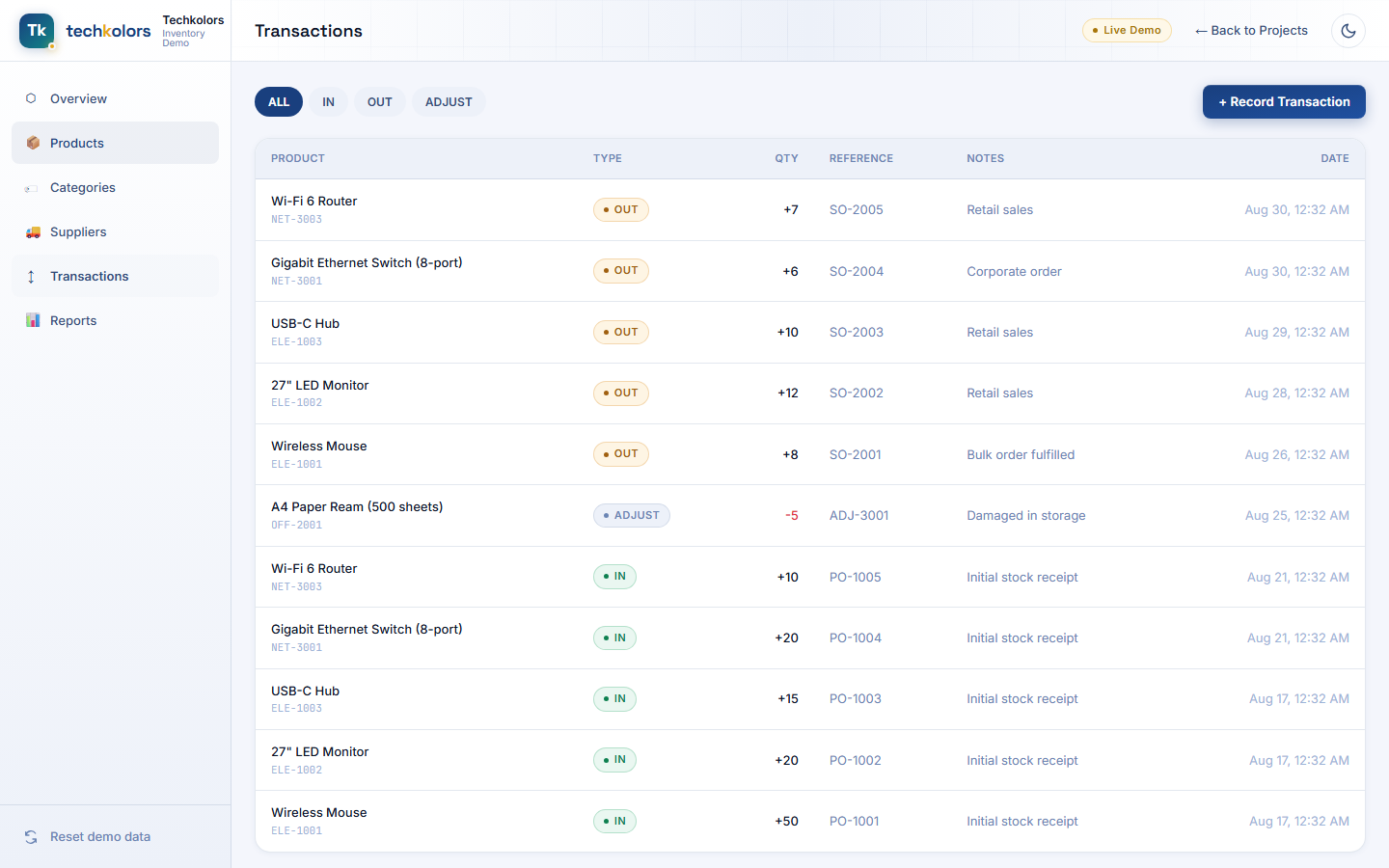
This is the audit trail. Every IN, OUT, and ADJUST movement is timestamped, tied to a reference number (PO/SO/ADJ), and filterable by type — so if a stock count doesn't match, you can trace exactly what happened and when.
Reports
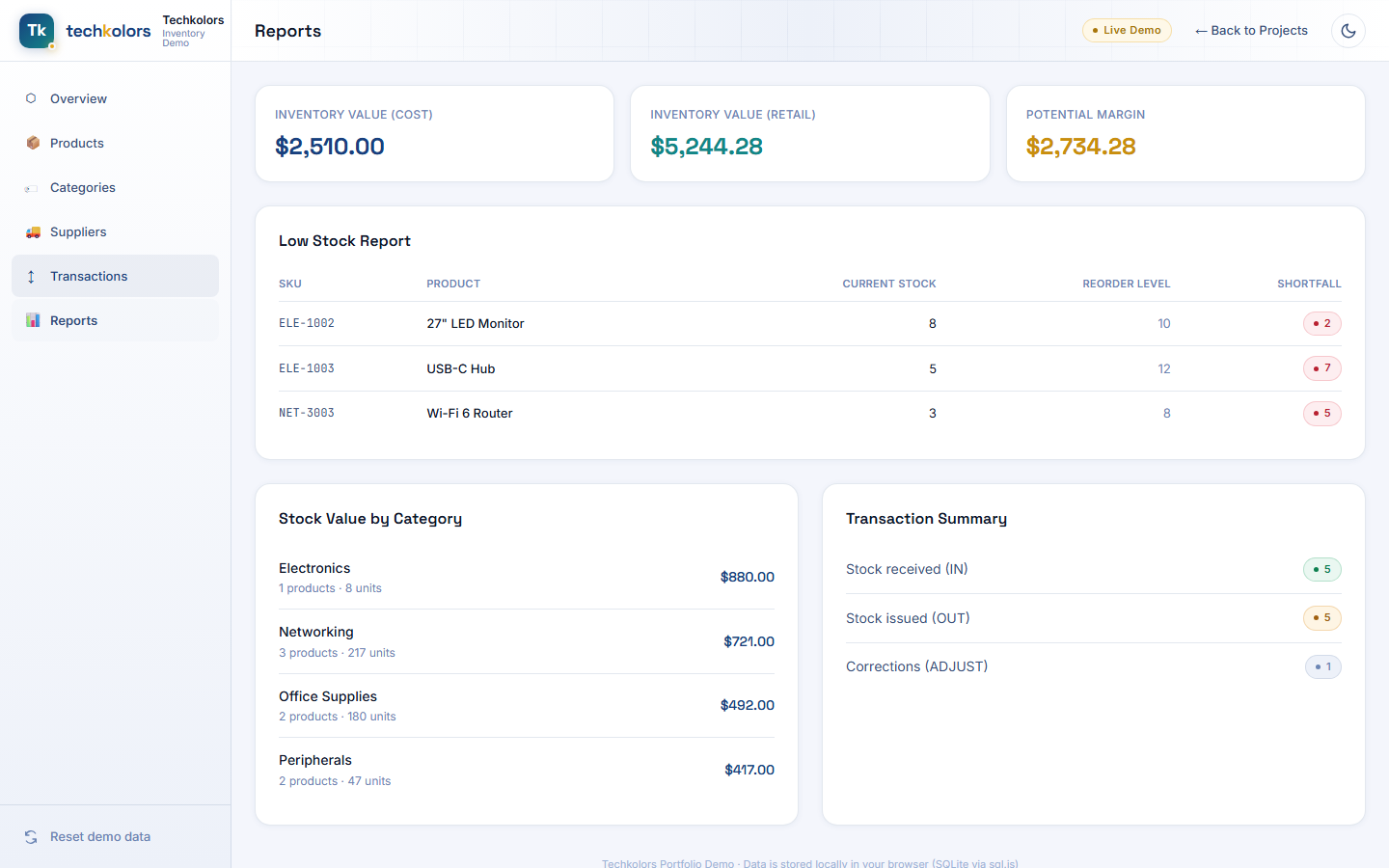
Three numbers ops teams ask for constantly: inventory value at cost, inventory value at retail, and the potential margin sitting on the shelf — plus a low-stock report ranked by shortfall and a stock-value breakdown by category, so you know exactly which product line is tying up the most capital.
How It's Built
- Vue 3 (Composition API,
<script setup>) + TypeScript + Vite - Tailwind CSS v4 on our design system tokens, so the demo shares the exact same visual language as the rest of the site
- SQLite running entirely in the browser via sql.js (SQLite compiled to WebAssembly) — a real relational database with real SQL, no backend server required for the demo
- Data persists locally in your browser between visits, and a one-click Reset demo data button restores the original sample dataset at any time
Because the database engine runs client-side, the entire demo is a static page — there's no server round-trip for every click, which is part of why it feels instant.
Try It Yourself
Add a product, receive some stock, watch the reorder watchlist react in real time, then check the reports tab to see the numbers update — it's a fully working system, not a mockup.
Comments
Be the first to comment.